
Photos Swipe
Swipe through your Google Photos and free up storage. Left to trash, right to keep.
Free userscript · desktop browsers and iPhone Safari
Live demo · try it
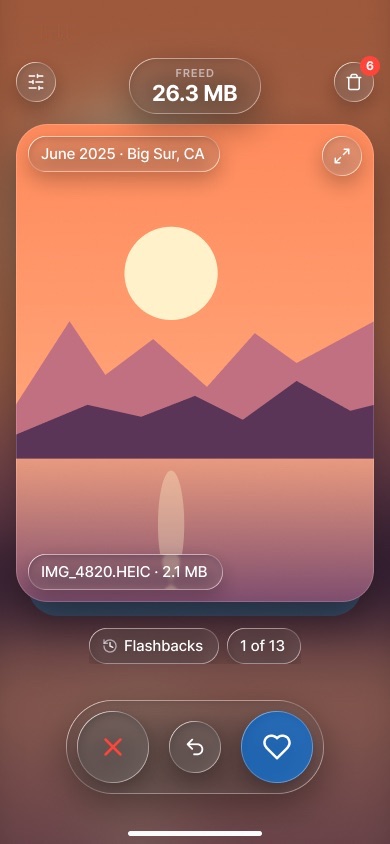
Opens full screen · sample photos
How it works
It runs entirely inside your signed-in Google Photos tab.
photos.google.com · your signed-in tab
Google Optional Photos Swipe userscript UI in a shadow DOM over the page Decisions & progress IndexedDB · on this device
Google Photos web API batchexecute · the calls photos.google.com makes
Google media servers googleusercontent.com · previews & video
Google Photos Trash Restorable for 60 days
Photos Swipe Worker Cloudflare · app updates + optional sync
library page upcoming previews keep / trash IDs, decisions, progress move batch verify app code photos.google.com · your tab
Photos Swipe userscript UI in a shadow DOM over the page keep / trash
Decisions & progress IndexedDB · on this device
library page upcoming previews move batch verify
Google
Google Photos web API Same API as photos.google.com
Google media servers Previews & video
Google Photos Trash Restorable for 60 days
IDs, decisions, progress app code
Photos Swipe Worker Cloudflare · updates + optional sync
How it works: Photos Swipe runs inside your signed-in Google Photos tab. Your photos and videos only travel between Google and your browser. It runs inside your signed-in Google Photos tab. Photos only travel between Google and your browser.
The script checks the Worker for updates on each Google Photos page load; no account data is sent. Optional sync uses Sign in with Google for identity only. No analytics.